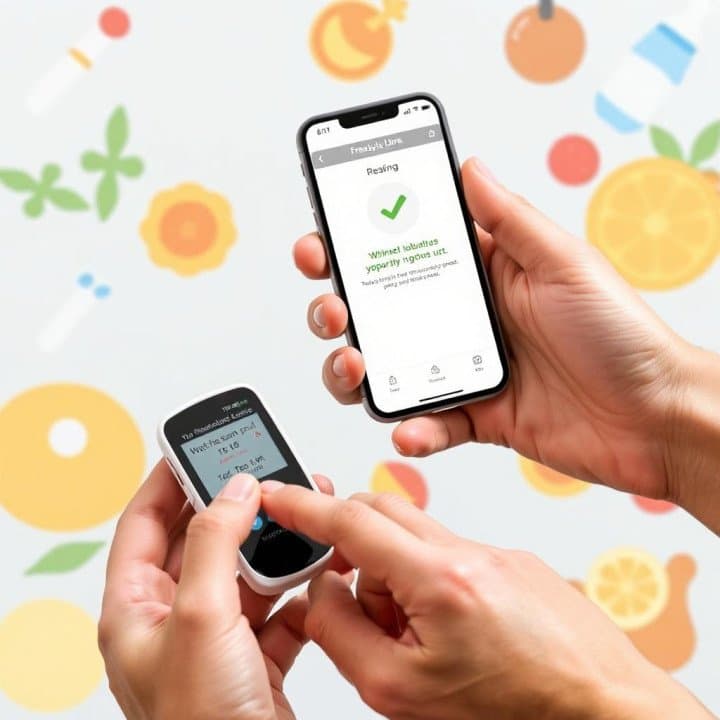
Incorrect readings warning over some FreeStyle Libre 3 and FreeStyle Libre 3 Plus sensors

Manal Saleh
Source: www.diabetes.org.uk
People across the UK who use the
FreeStyle Libre 3 or FreeStyle Libre 3 Plus sensors have been warned that some
sensors are giving incorrect readings showing low glucose levels, which if
undetected may pose a potential health risk for people living with diabetes.
If you use either of these sensors, you’ll
need to see if your sensors are affected. Here's what you need to know.
What do I need to do if my sensor is
affected?
Abbott, the company that makes the
FreeStyle Libre 3 and FreeStyle Libre 3 Plus, is contacting people who use
these sensors through their app and by email to ask them to check the serial
number of their sensors. You may also be contacted by your diabetes team.
To see if the sensor you’re wearing or an
unused sensor is potentially affected you can visit freestylecheck.com and
select ‘Confirm Sensor Serial Number’, or you can call Abbott’s customer
service team on 0800 170 11 77.
There are different ways to locate the
serial number. If your sensor is still in its package, the serial number can be
found on the bottom of the sensor carton packaging and on the sensor applicator
label. For sensors in use or already used, the serial number can be found in
the FreeStyle Libre 3 reader or app.
How to find the serial number using the
reader:
From the Settings menu select System
Status, then System Info. Multiple Sensor Serial Numbers may be listed. Number
(1) is the one you are currently wearing or have most recently worn.
How to find the serial number using the
FreeStyle Libre 3 app:
From the App Main Menu select About.
Multiple Sensor Serial Numbers may be listed. The one at the top of the list is
the one you are currently wearing or have most recently worn.
How to find the serial number if you’re
using a sensor with a connected insulin delivery device:
If you are using a sensor with a connected
insulin delivery device, please refer to the connected insulin delivery device
user manual on how to locate the sensor serial number. You can find out more
on Abbott’s
FreeStyle Libre FAQs.
What happens next?
Once you have reported an affected serial
number, you will then be asked to provide your contact information so Abbott
can send you a replacement sensor at no extra cost. This applies whether you
get your sensors on prescription or you self-fund them.
If you’re wearing a sensor that has been
affected, you should immediately remove the sensor and dispose of it as you
usually would.
If your sensor is affected, and you do not
have a replacement, you can use the built-in meter in the FreeStyle Libre 3
Reader, or an alternative blood glucose meter, to check your glucose levels
while you await your replacement.
You can continue to use your FreeStyle
Libre 3 or FreeStyle Libre 3 Plus sensors if they are not impacted.
If your sensor is not impacted, but your
sensor readings don’t match your symptoms or expectations (such as symptoms of
low or high blood sugar), then you should test your blood
glucose levels using a blood glucose monitor before making
treatment decisions.
مواضيع ذات صلة
# Disty Holdings Is Reimagining Procurement with AI
منذ 18 ساعة . News
Nutanix Showcases "One Platform, One Experience" at LEAP Saudi Arabia 2026, Highlighting AI, Hybrid Multicloud and Cloud-Native Innovation
منذ 22 ساعة . News
.jpeg)
Garmin Opens First Riyadh Store and Launches fēnix 9 Series in Saudi Arabia
منذ يومين . News

Award-Winning Portuguese Chef Ana Magalhães Leads the Culinary Vision at Tabrah, Nujuma, a Ritz-Carlton Reserve
منذ يومين . News
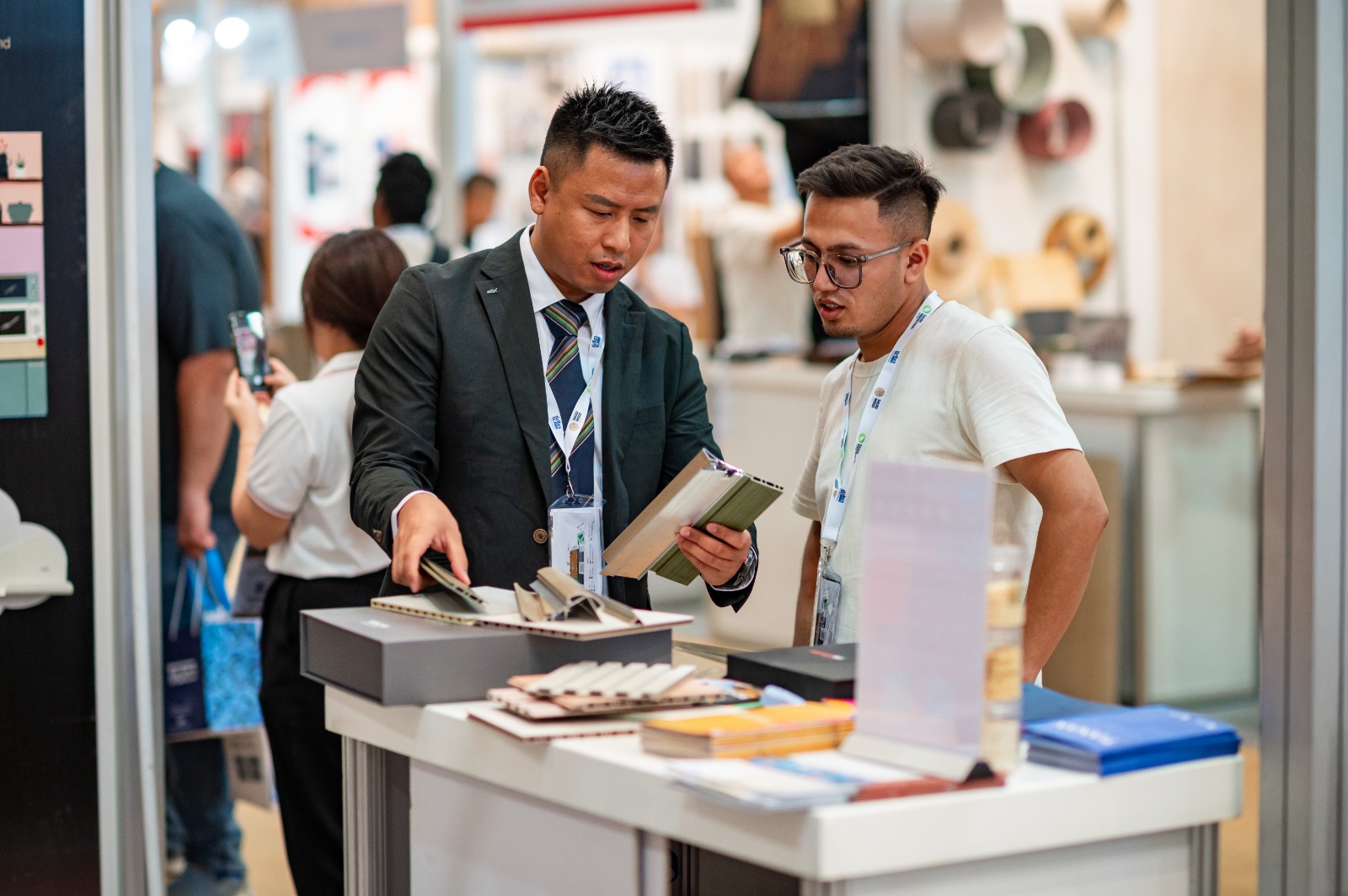
Saudi Wood Expo opens next week at Riyadh Front Exhibition & Conference Center, bringing wood solutions and international expertise from 30 countries
منذ يومين . News

Samsung Galaxy S26 FE: Delivering the Latest Flagship Experience, Focused on What Matters Most
منذ يومين . News

Logitech brings the future of AI-powered workplaces to LEAP 2026
منذ يومين . News
.jpeg)
IFS Brings Industrial AI From Experimentation to Execution at LEAP 2026
منذ يومين . News

webook.com Shares Success of its Global Scale with Esports World Cup Delivery in Paris
منذ يومين . News