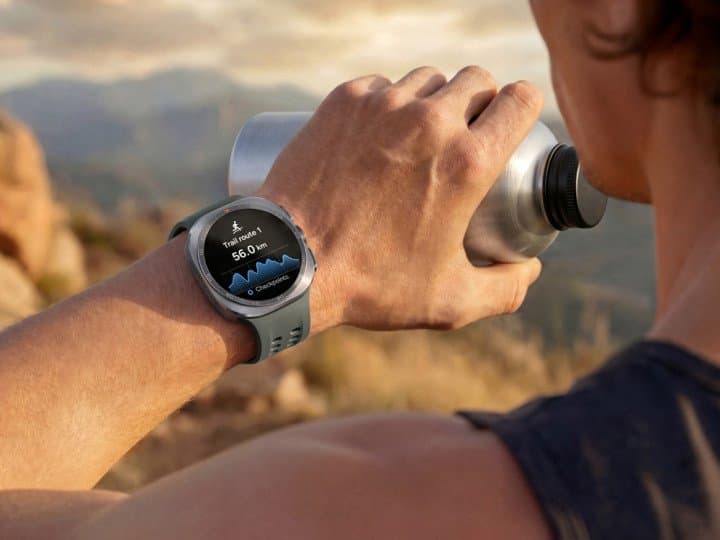
How to Stay Hydrated on Every Run With Galaxy Watch Ultra2

Manal Saleh
Galaxy Watch Ultra2 may be best known for its
rugged titanium build and dive-ready certifications, but one of its most
practical additions for runners is hydration guidance you receive while you
run, not after it.
Through Nutrition Alert, a new addition to the
existing Sweat Loss feature, Galaxy Watch Ultra2 estimates fluid loss relative
to your body weight and tells you when to drink and how much. Combined with
dedicated Trail Run tracking, it helps you manage effort and hydration
together, so a long climb in the heat doesn't end your run early.
What is Nutrition Alert on Galaxy
Watch Ultra2?
Nutrition Alert is a real-time hydration
guidance feature on Galaxy Watch Ultra2. It builds on Sweat Loss, which
estimates how much fluid you lose during exercise, and turns that estimate into
direct guidance: when to drink, and how much.
The difference is timing. Sweat Loss tells you
what happened during a session. Nutrition Alert tells you what to do about it
while the session is still running, which is when the information changes the
outcome.
How does Galaxy Watch Ultra2 measure
hydration?
Galaxy Watch Ultra2 estimates sweat loss
relative to your body weight, using continuous biometric data captured by
Samsung's BioActive sensor along with the intensity and duration of your
activity. That estimate is what Nutrition Alert converts into hydration prompts
during your run.
Because the guidance is scaled to body weight
rather than a fixed average, two runners on the same trail can receive
different recommendations.
How do I turn on Nutrition Alert?
Nutrition Alert is a Samsung Health feature on
Galaxy Watch Ultra2, available across supported workout types rather than a
single mode. To use it, open exercise settings and enable the Nutrition
feature. Samsung showcases it most prominently within Trail Run, where
sustained effort and heat make fluid loss hardest to judge, but the guidance is
not limited to trail running.
What is Trail Run on Galaxy Watch
Ultra2?
Trail Run is a dedicated tracking mode built
for uneven outdoor terrain. It tracks detailed elevation, climbing progress and
terrain impact, helping you pace yourself across a route and reduce injury risk
on descents and technical ground.
Hydration guidance works alongside this.
Elevation and terrain tell you how hard the route is working you, while
Nutrition Alert tells you what that effort is costing you in fluid, so you can
adjust both pace and hydration on the same run. Trail Run is available on
Galaxy Watch Ultra2 only, and requires an Android phone with the Samsung Health
app and a Samsung account.
What else on Galaxy Watch Ultra2
supports long outdoor runs?
Three things make all day tracking realistic.
Galaxy Watch Ultra2 carries an 800 mAh battery, a 35% increase over the
original Galaxy Watch Ultra, so a long route doesn't become a battery decision.
Its display reaches up to 5,000 nits, keeping hydration prompts and pace data
readable in direct sunlight. And highly accurate dual frequency GPS, powered by
the Snapdragon Wear Elite platform, keeps route and elevation data reliable on
trails where signal is inconsistent.
Together with Trail Run and Nutrition Alert,
these turn Galaxy Watch Ultra2 into a running companion that guides your effort
in the moment, rather than reporting on it afterwards.
-ENDS-
مواضيع ذات صلة
How to Stay Hydrated on Every Run With Galaxy Watch Ultra2
منذ ساعتين . News

ManageEngine to Showcase AI-Driven Digital Enterprise Management Suite at LEAP 2026
منذ 22 ساعة . News
LG OPENS FIRST AI HOME EXPERIENCE ZONE AT RIYADH BRAND SHOP, FEATURING BUILT-IN AND CONNECTED LIVING SOLUTIONS
منذ 22 ساعة . News
HyperX Unlocks Gamingthe Potential of Gaming with an Exciting New Gear Lineup of Products at Gamescom
منذ 23 ساعة . News
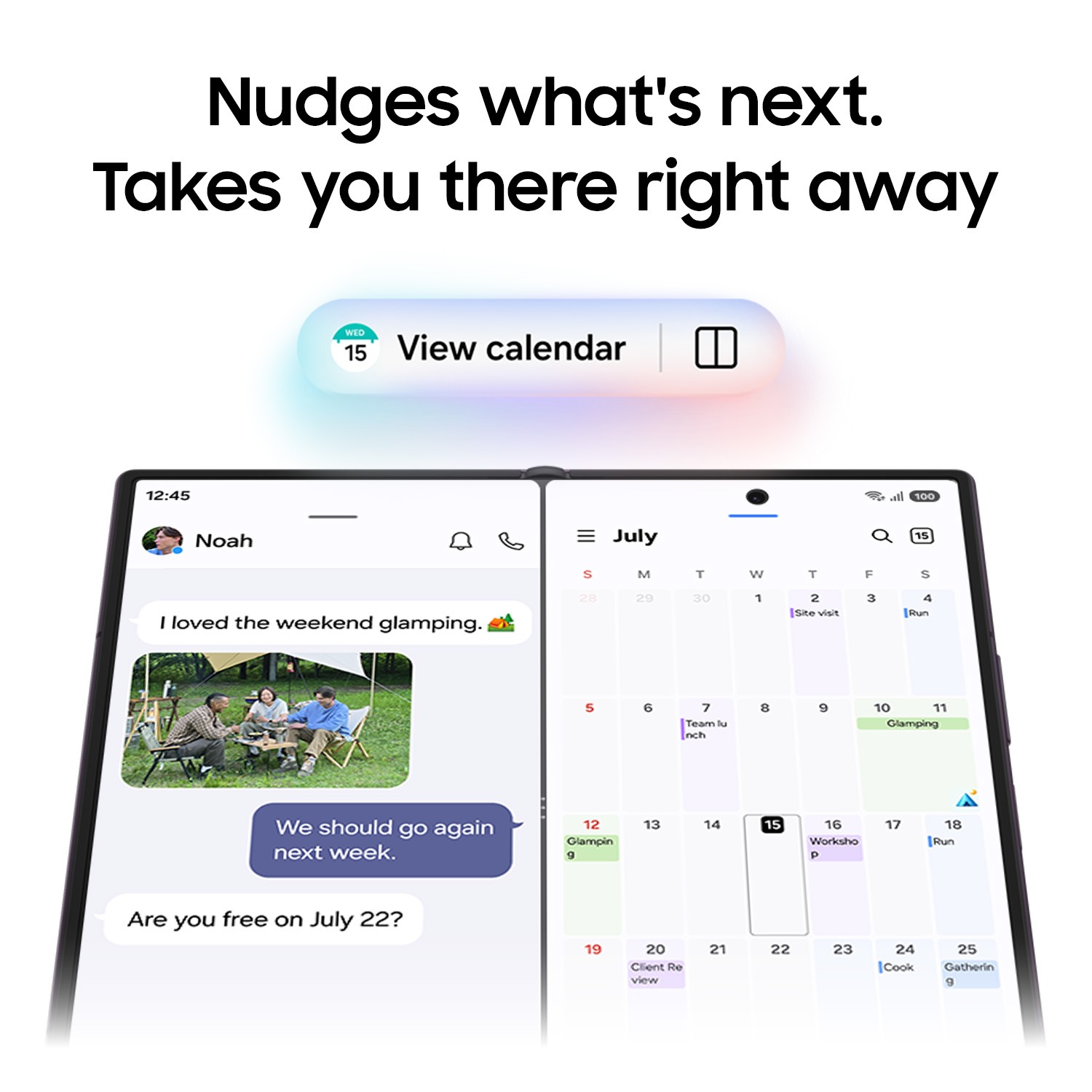
How to Get More Done With Galaxy Z Fold8 Ultra
منذ 23 ساعة . News
.jpeg)
Centara Welcomes Saudi National Day Holidaymakers with Exceptional Maldives Experiences
منذ يوم . News
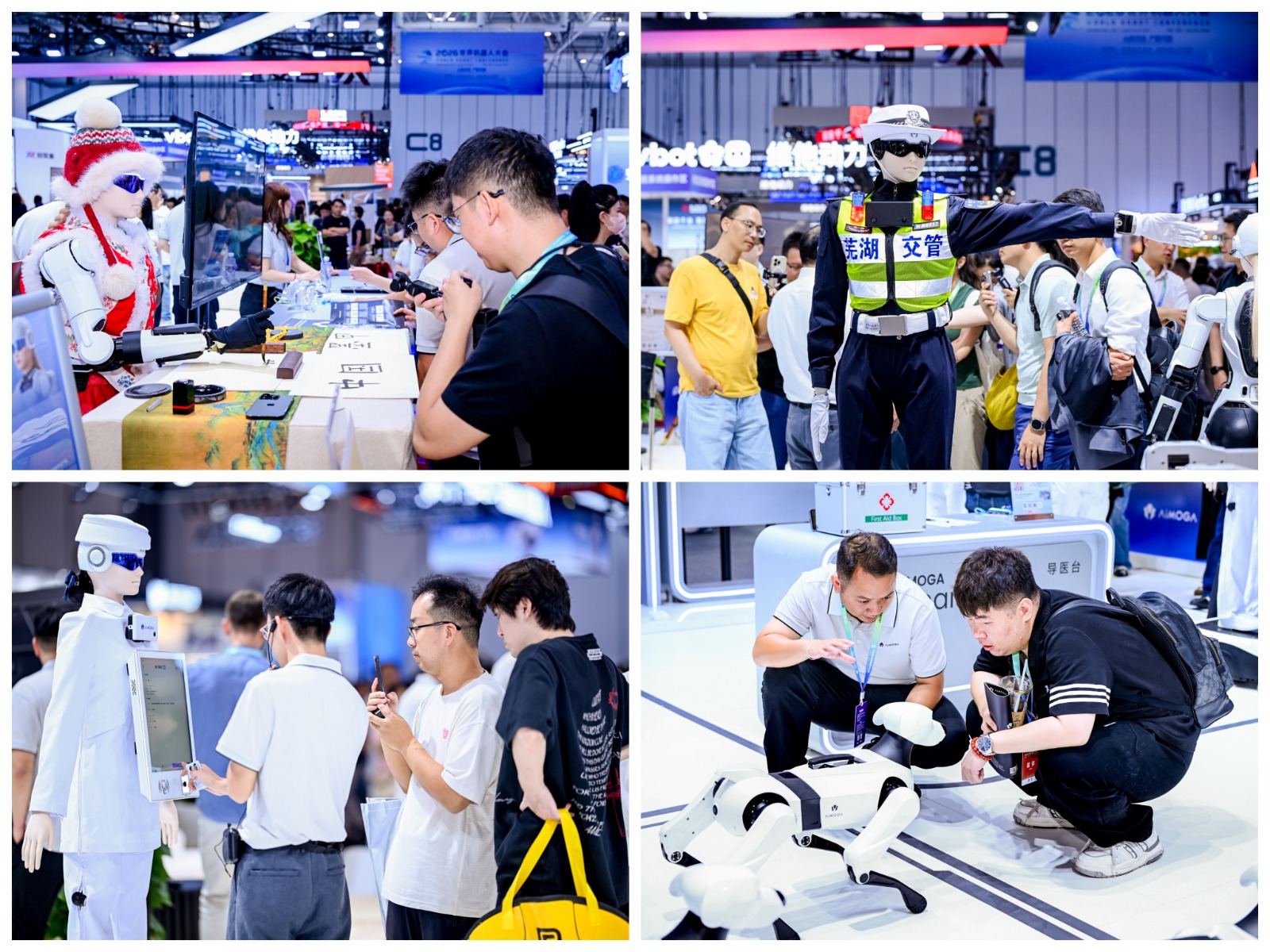
AiMOGA Brings Real-World Robot Operations to WRC 2026
منذ يوم . News
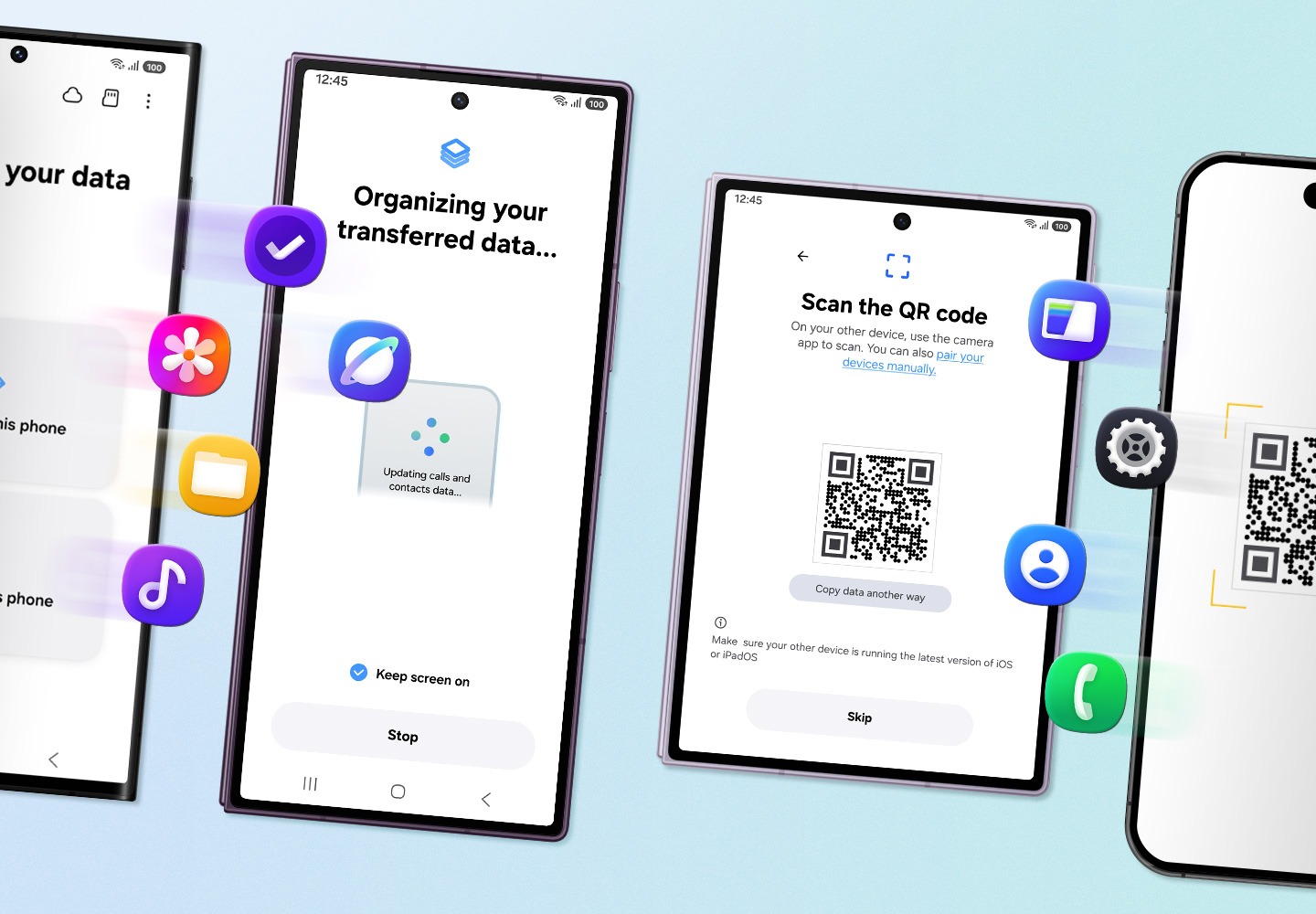
An Easier Way to Switch to the New Galaxy Z Fold8
منذ يوم . News
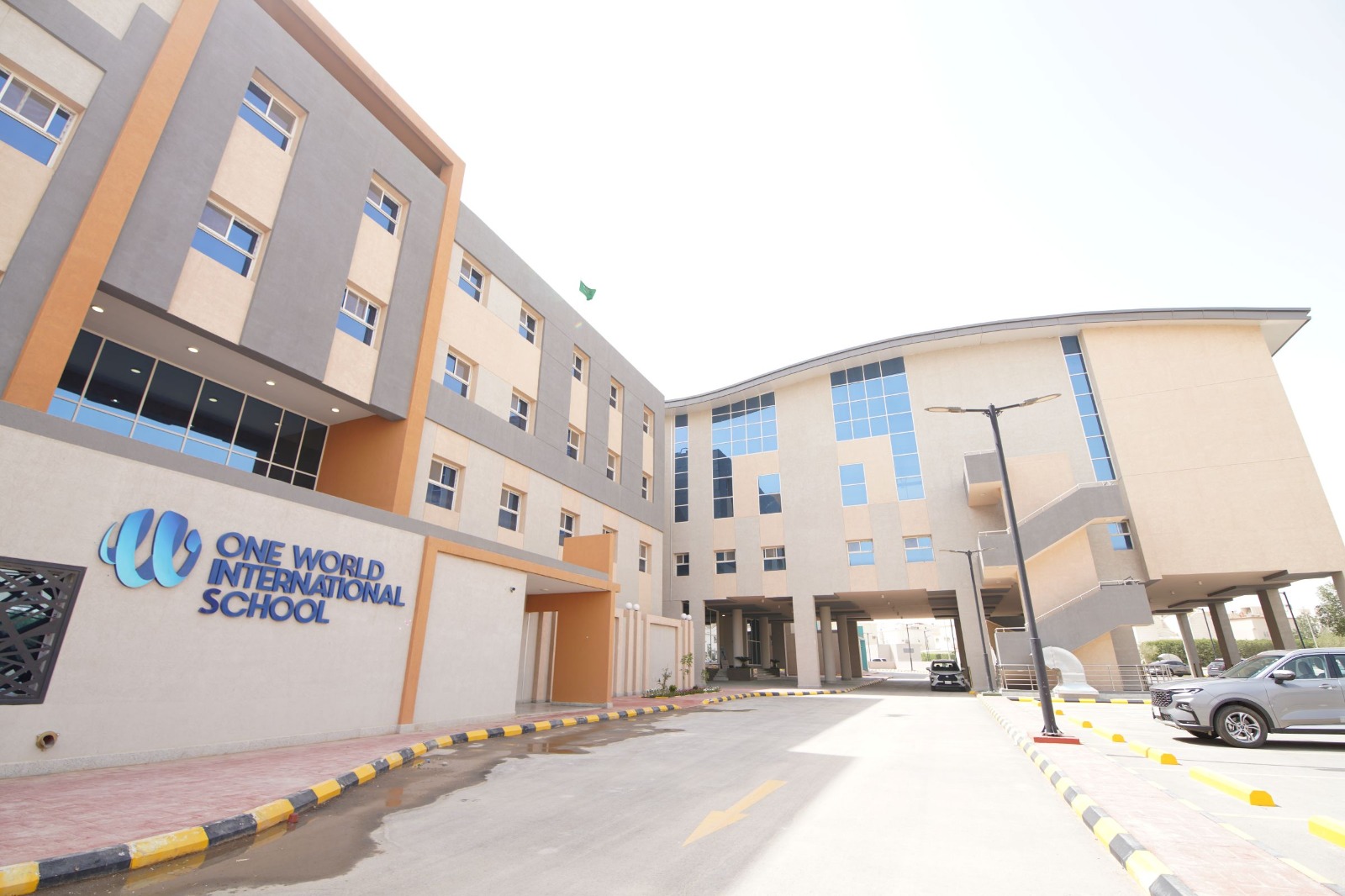
One World International School (OWIS) Al Jazeera welcomes students to its New Campus, ushering in an Inspiring New Academic Year
منذ يوم . News