
What It’s Like to Work and Learn on the New HUAWEI MatePad 11.5

Manal Saleh
Alriyadh, 19 August 2025: Tablets have grown up fast over the last two years: better
multitasking, more power, glare-free displays. But all these features remain
limited to the premium models that are often too expensive for students and
young professionals. Affordable tablets, on the other hand, often feel like a
compromise. You get the form factor, but not the experience. The HUAWEI MatePad
11.5 aims to change that.
This new tablet offers not just a comfortable
paper-like screen that banishes glare, but also a powerful creative toolkit
with enhanced note-taking, all surprisingly accessible at its price point.
Combine this with desktop-level office software, versatile multitasking, and a
slim, lightweight build housing an impressive battery, and you’ve got a tablet
designed to redefine what it means to learn and work on the go.

Eye-Friendly Screen
The first thing that the MatePad 11.5 offers
as a student's tablet is an extremely comfortable screen that feels like paper.
The 11.5-inch PaperMatte Display comes with enhanced anti-glare and
anti-reflective layers with paper-like comfort that stays sharp and vivid even
under bright lighting. Through nano-level anti-glare etching technology, which
forms hundreds of millions of nano-texture structures on the screen surface, to
eliminate 99% of light interference. In practice, that means more legible text
and steadier contrast under harsh lights.

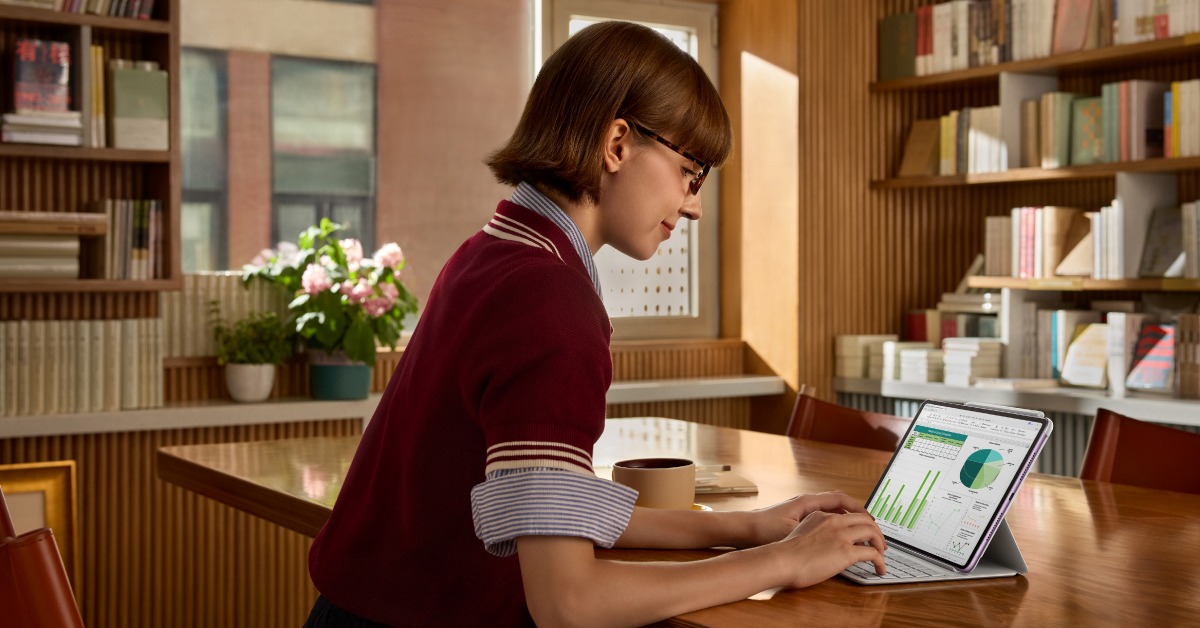
The PaperMatte Display provides unprecedented
anti-glare capabilities, eye-soothing effects, and a silky smooth pen-on-paper
writing experience. This tablet effectively tackles the problem of distracting
glare that tablet users encounter and turns out to be a major roadblock to the
wider adoption of tablets for learning purposes.
Creative toolkit for students
More than just a notetaking app, the upgraded
HUAWEI Notes is designed as a complete toolkit for students. Combined with the
M-Pencil (3rd generation), the HUAWEI Notes make learning all the more fun and
engaging. From a vibrant array of stickers to note covers and brush types, the
notes app offers plenty of room for personalisation. The Resource Centre offers
a stunning array of note covers, papers, and stickers, so you can customise
your notes to your own style, making them more functional and adding a personal
touch.
The AI Handwriting Enhancement tool makes your
lecture notes remarkably more adaptable. You can use the lasso tool to select
any handwriting, then tap Handwriting Enhance and choose your desired font and
level. This feature enhances and refines your handwriting based on your
preferred style. Currently, two English fonts are supported: Crescent and
Gibbous.
Since its launch last year, GoPaint, Huawei’s
own digital painting app, has made its mark in the world of digital art. Now,
the MatePad 11.5 is the most affordable way to get access to this pro-level
painting app with a sophisticated array of tools and brushes to satisfy
seasoned artists, yet intuitive and easy to understand for enthusiasts. The app
comes with the tablet and requires no extra purchase.
Office ready
The MatePad 11.5 has the software chops for
light office tasks with a full PC-level WPS office suite, detachable smart
keyboard, and multitasking optimisations. Unlike typical mobile office suites,
the WPS suite on the MatePad offers functional optimisations and an interface
similar to that of its desktop version. Spreadsheets, presentations, and
formulas offer a nearly identical experience to their desktop counterparts,
enabling seamless switching between PC and tablet for efficient work.
Since the tablet supports the detachable
HUAWEI Smart Keyboard, users can easily turn it into a laptop-like
configuration and even use an external mouse for even more flexibility. When
paired with the keyboard, users can use common app/system shortcut keys to
perform complex office operations. A mouse pointer appears on the screen when
an external mouse is connected for precise cursor control and selection. With
split-screen and multi-window support, users can keep documents, spreadsheets,
and chats open side by side, effectively turning the tablet into an on-the-go
workstation.
Sleek but mighty
The unibody design of the feels durable and
sturdy, yet only weighs 515g and measures 6.1mm thick, 10% less than its
predecessors. When you are reading or using a tablet handheld for a
considerable amount of time, any bit of weight reduction makes a huge
difference. But most tablets struggle to balance between slimness and battery
life.
Within its compact body, though, the MatePad
11.5 holds a huge 10,100 mAh battery, a remarkable 30% increase over its
predecessor and delivering over 14 hours of uninterrupted local video playback.
What’s more, with 40 W HUAWEI SuperCharge, it reaches full charge in just 94
minutes.
If you need a capable tablet for study and
work, the HUAWEI MatePad 11.5 is the one to buy. The PaperMatte display and
desktop-like WPS suite are basically a steal.
The HUAWEI MatePad 11.5 is available now in
the Kingdom of Saudi Arabia starting from 899 SAR through Huawei’s online store
and several authorized retailers.
-Ends-
About HUAWEI Consumer Business Group (CBG)
Huawei Consumer Business Group (CBG) is one of
Huawei’s three business groups, providing a range of products including
smartphones, tablets, laptops, wearables, audio, monitors, smart screens, IOT
and others.
In Jan 2023, Brand Finance reveals Global 500
2022 list of the world’s most valuable brands, Huawei ranks No. 31, Huawei’s
brand value is US$44.3 billion.
In 2023, our total R&D spending reached more
than USD 23 billion, representing 23.4% of Huawei’s total revenue. The total
R&D investment over the last decade now exceeds USD 154 billion.
For more information, please visit: consumer.huawei.com/sa
For regular updates on HUAWEI Consumer BG, follow
us on:
Facebook: facebook.com/HuaweiMobileKSA
Twitter: twitter.com/HuaweiMobileKSA
YouTube: youtube.com/Huaweimobileksa
Instagram: instagram.com/HuaweiMobileKSA
مواضيع ذات صلة
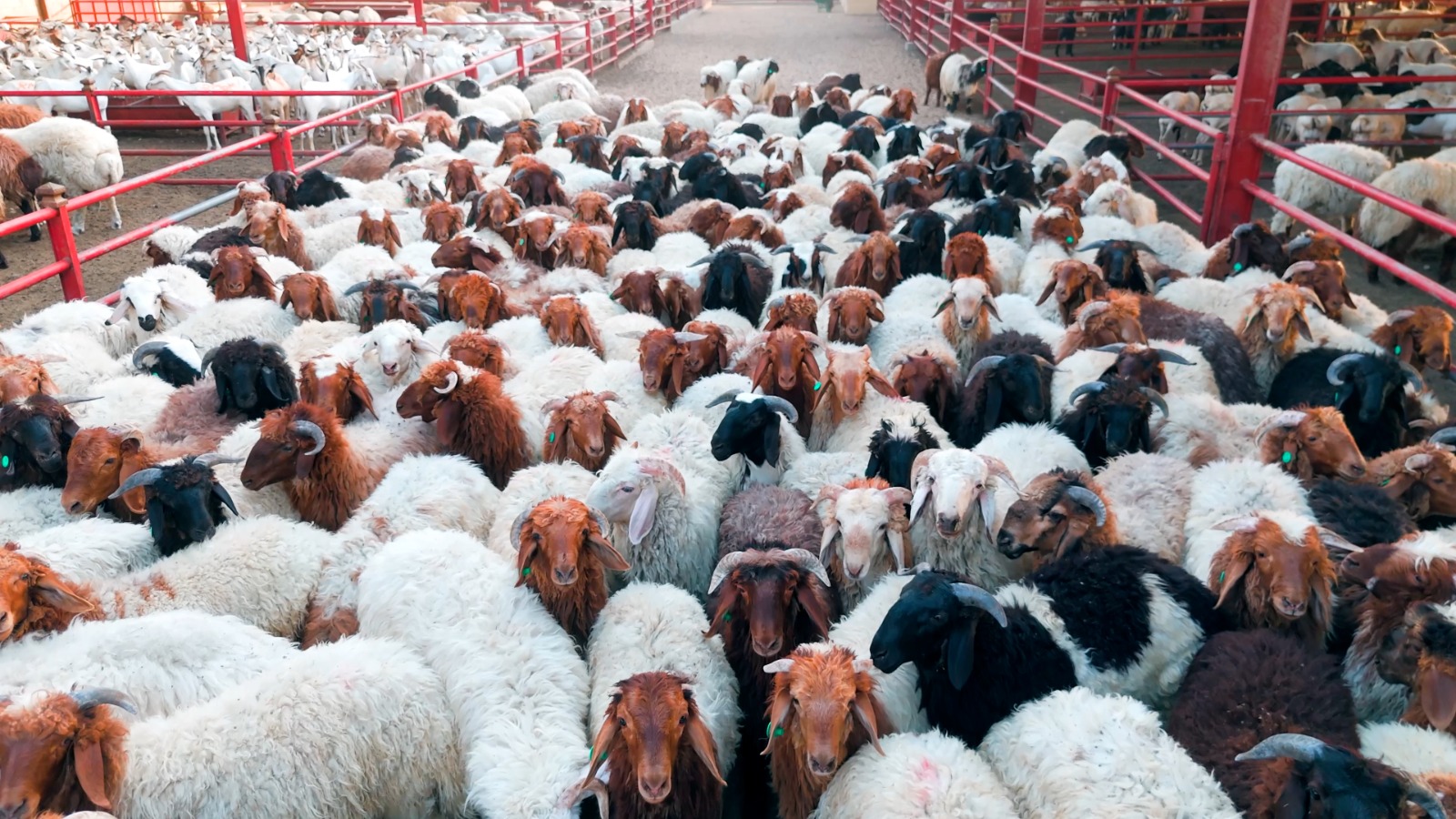
LuLu KSA Launches Convenient Udhiya Pre-Ordering with Free Slaughtering Services*
منذ 7 ساعات . News
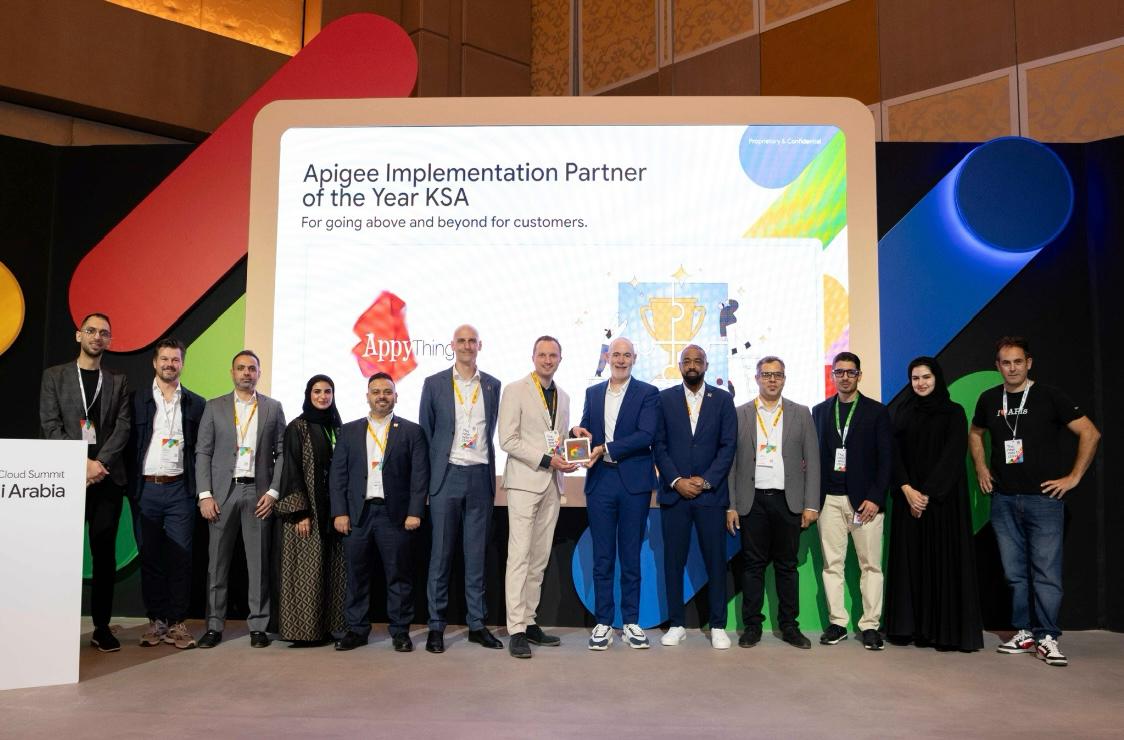
AppyThings launches Saudi entity to support AI-native digital infrastructure in the Kingdom
منذ 7 ساعات . News
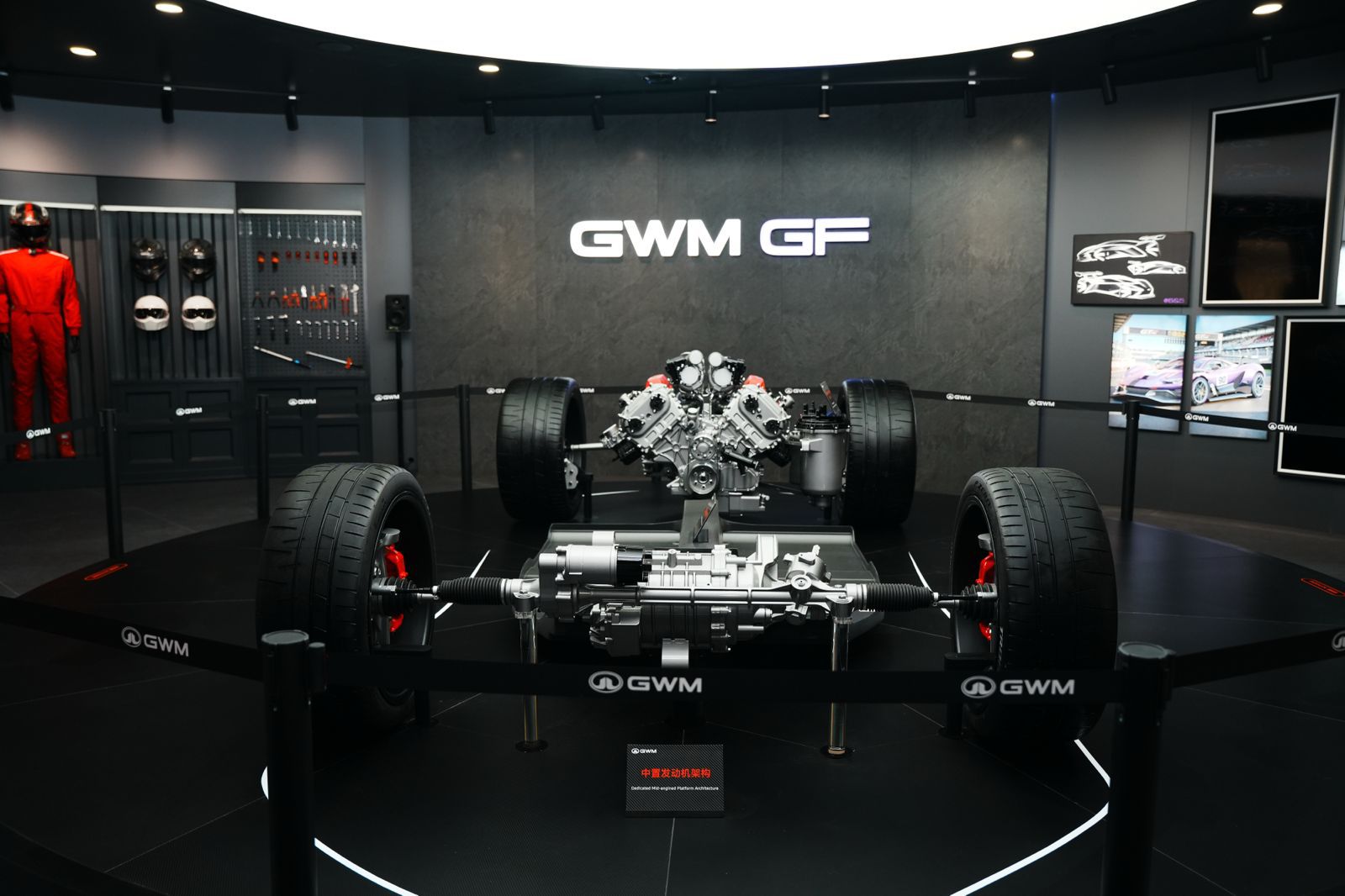
GWM Unveils Next-Generation GWM ONE S (Gui Yuan) Platform, 4.0T V8 Engine and more at Auto China 2026
منذ 9 ساعات . News
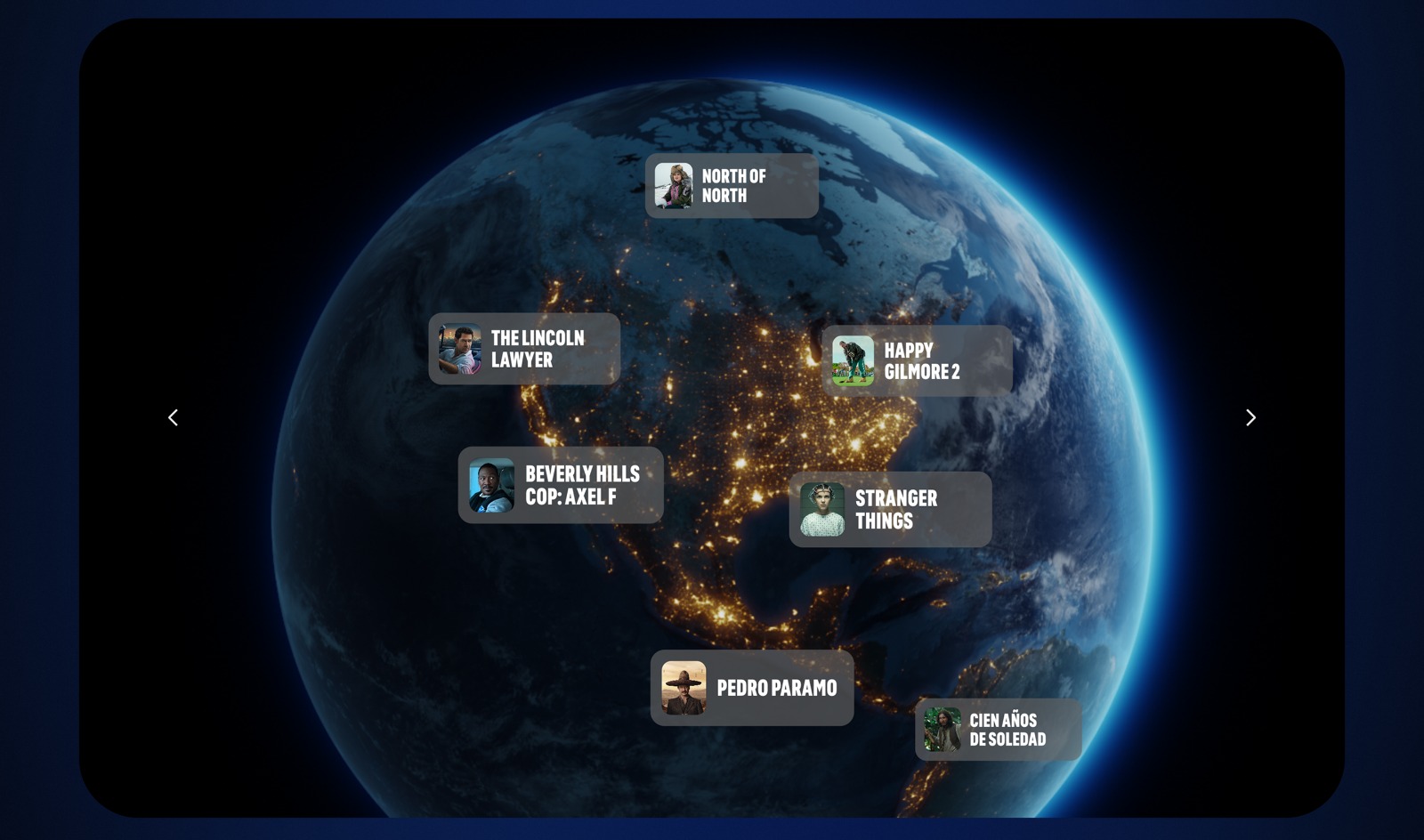
Netflix Announces “The Netflix Effect,”Highlighting Global Economic, Cultural and Social Impact
منذ 9 ساعات . News

New Balance Brings Grey Days to Life with Community-Led Grey Runs Across the Region
منذ 11 ساعة . News
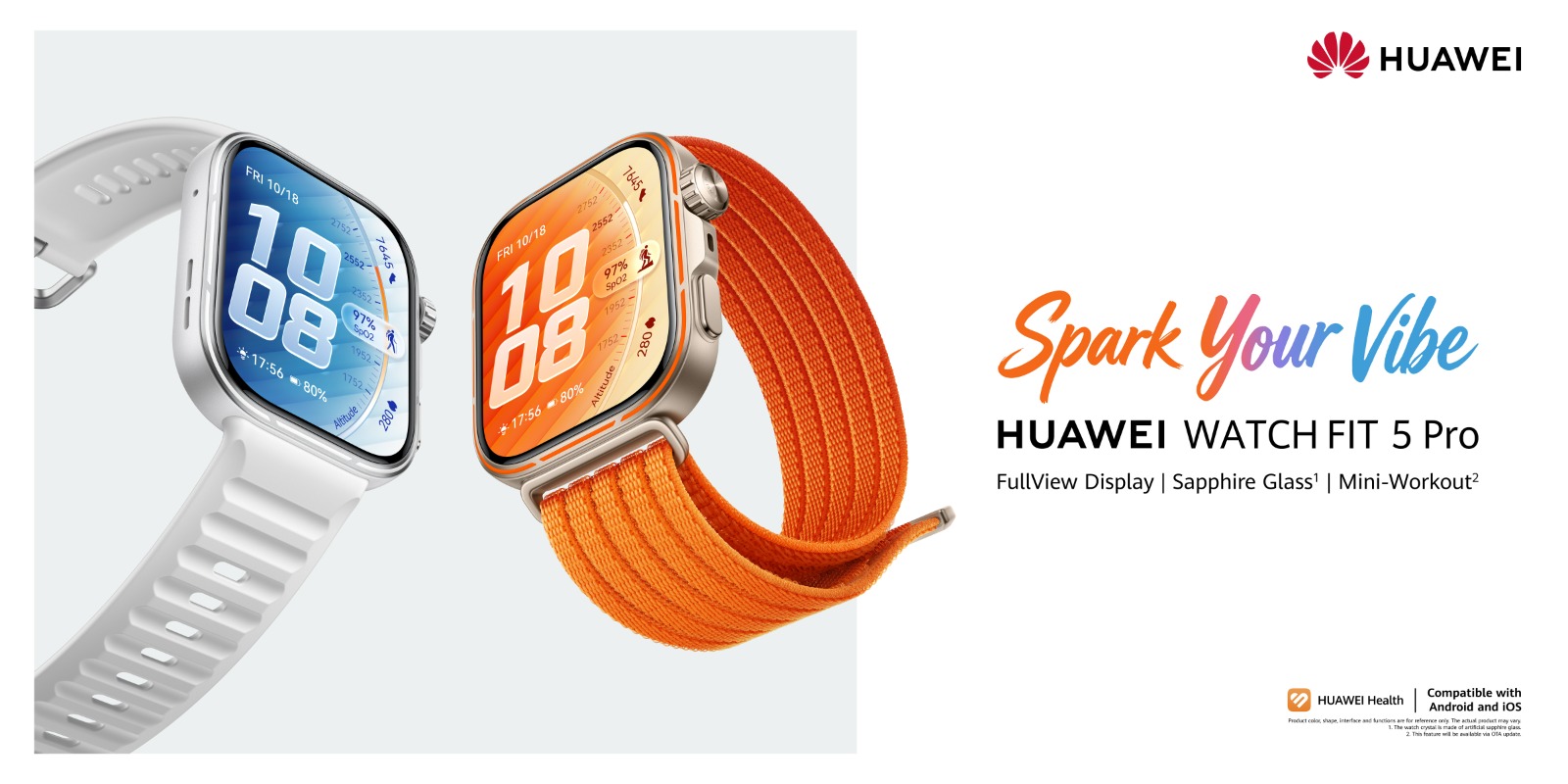
The FIT Series Evolves: HUAWEI WATCH FIT 5 Pro Becomes a Daily Companion for Wellness, Style, and Smart Training
منذ يوم . News
.jpeg)
Accessible Flagship Smartphones Might be the Best Value for Consumers in 2026
منذ يوم . News
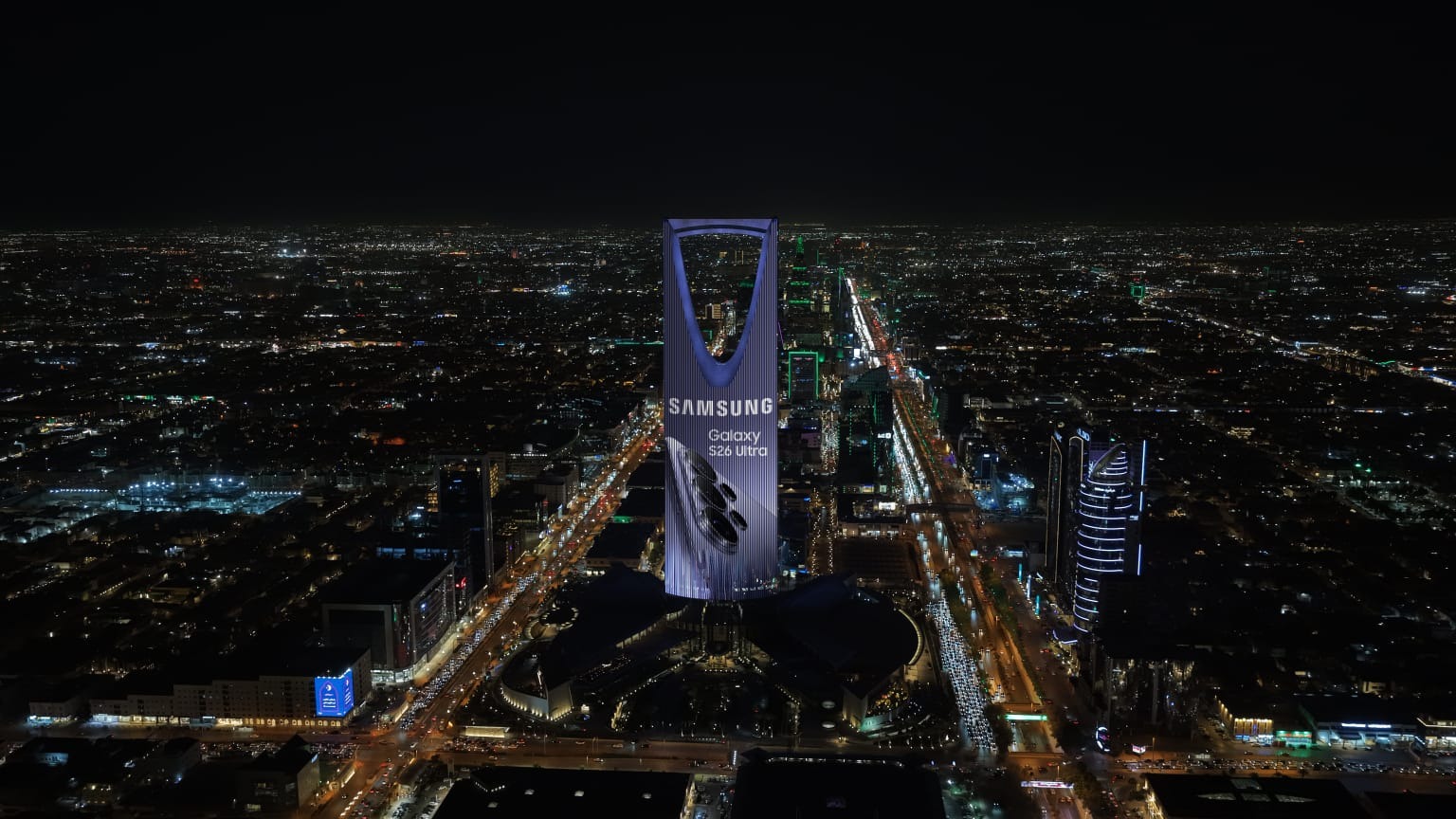
Samsung Galaxy S26 Series Launch Dominates Saudi Skies with Exclusive Rotana Signs Nationwide Takeover
منذ يوم . News
.jpeg)
Binghatti Delivers 10th Consecutive Record Quarter with AED 1.43 Billion Net Profit in Q1 2026
منذ يوم . News